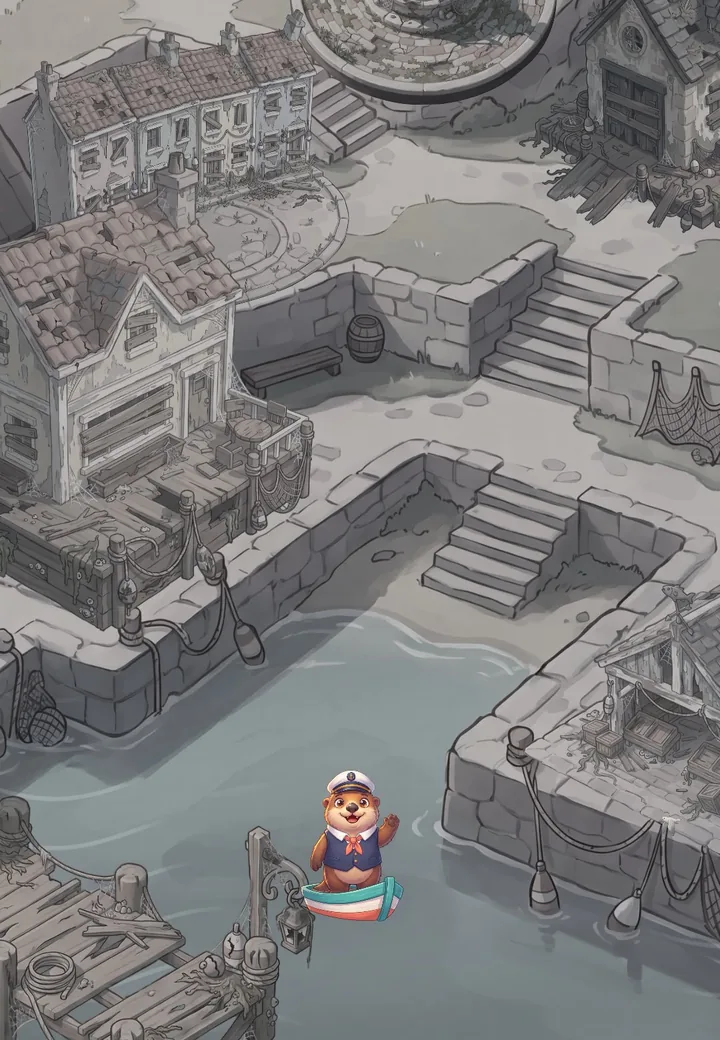
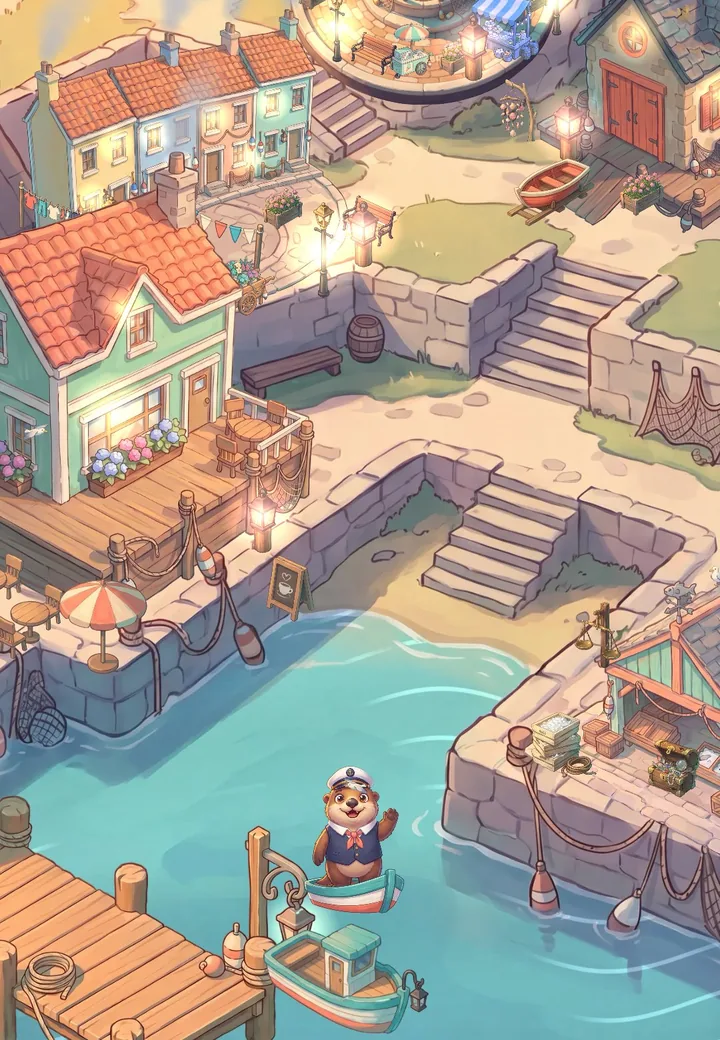
A grey, boarded-up harbor on the left turns into a colourful town at sunset on the right, with a sea otter captain waving from his rowing boat and a lighthouse on an island far out at sea

Harbor Hearts

Cozy merge game · iPhone, iPad and Android

Wake a sleepy harbor,
one merge at a time.

Heartwell Wharf went quiet and grey the winter the Heart Lantern went dark. Now Captain Ollie, a cheerful sea otter, is rowing home, and he needs your help to bring the colour back.

Coming soon to iPhone, iPad and Android

  • Plays offline
  • No ads and no purchases in this version
  • iPhone, iPad, Android phones and tablets

Merge. Restore. Relax.

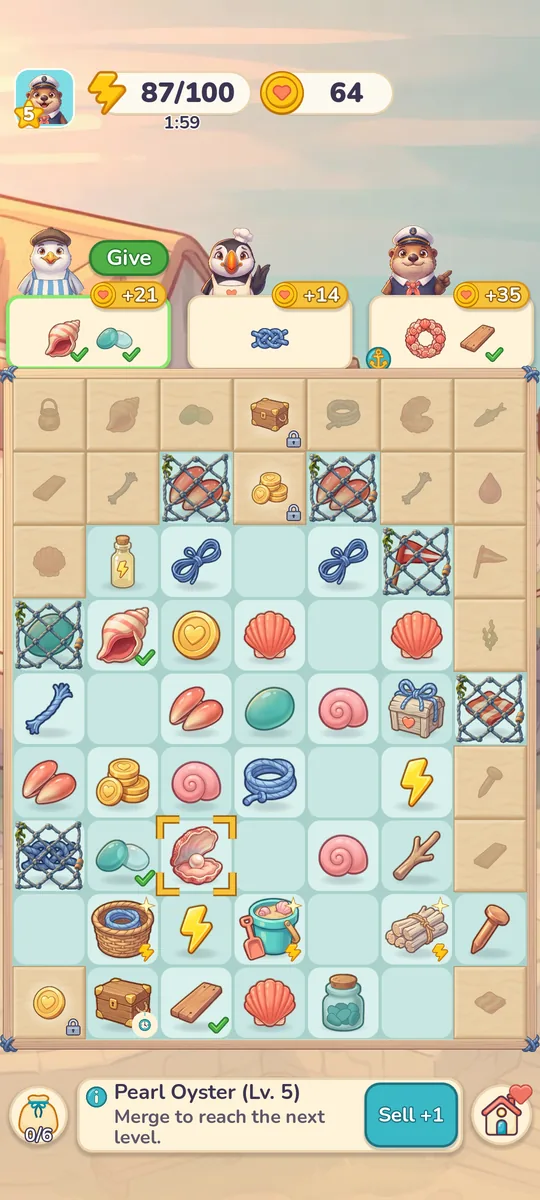
The merge board: a grid of shells, rope, coins and sea glass, with three neighbours’ orders above it

01 Merge

Two of a kind make something better.

Drag two matching items together and watch them become something new: a tiny shell turns into a conch, then a pearl oyster. Discover 11 merge chains, from sea glass and rope to lanterns and flowers, dig treasures out of the sand and untangle items caught in old fishing nets.

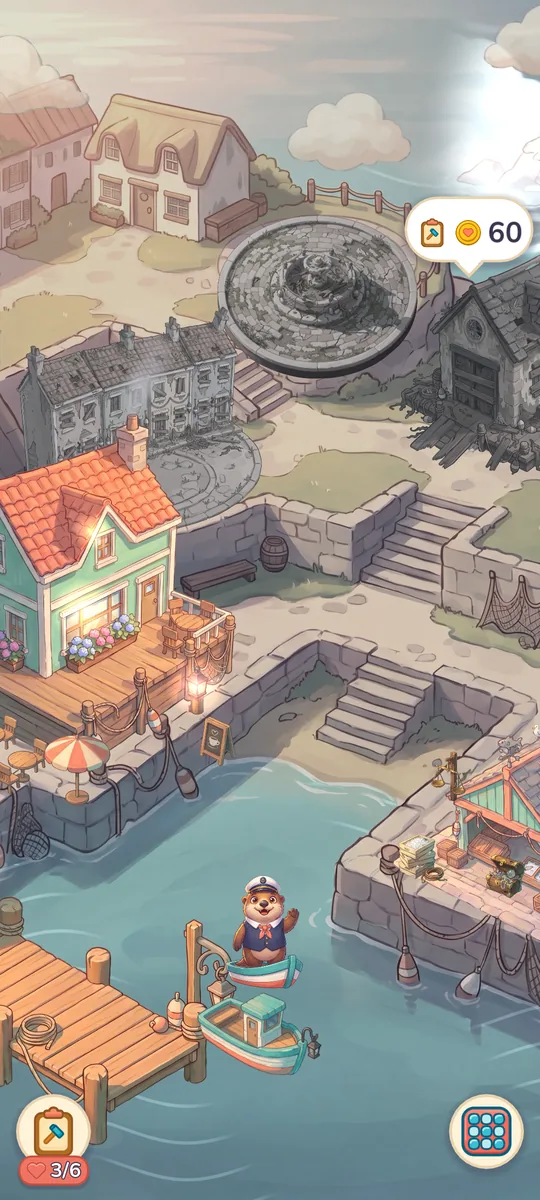
The harbor town half restored: three buildings in colour among grey, boarded-up ones

02 Restore

Six places, one harbor.

Fill your neighbours’ orders and spend what you earn to mend the pier, reopen the café and light the lanes. Every task turns a little more grey into colour, and you pick the colours for the café, the market and the houses.

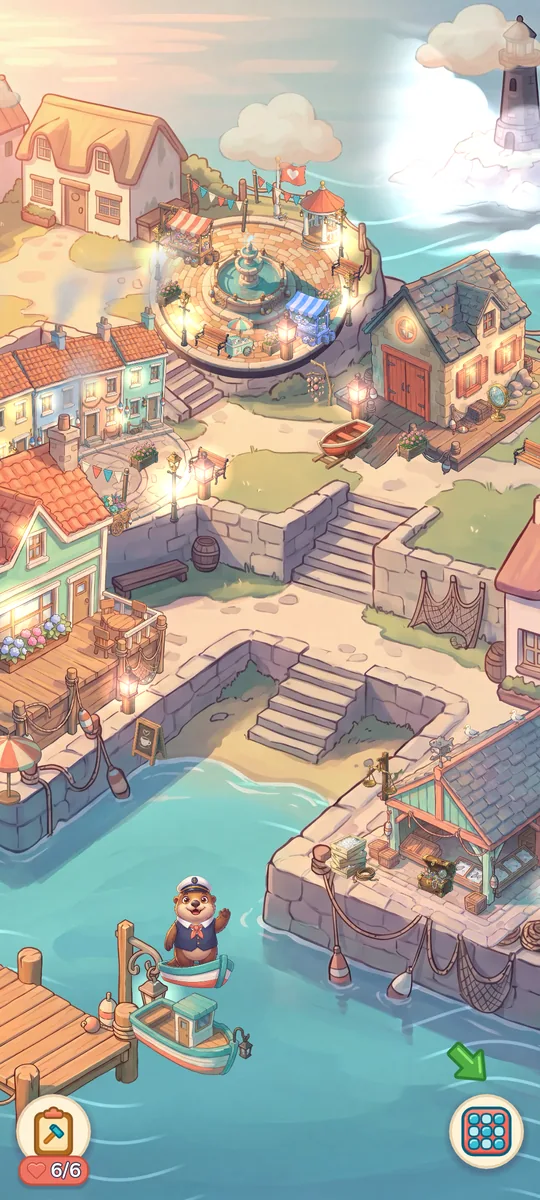
The whole harbor awake at sunset: lanterns lit, colourful houses and the lighthouse island in the distance

03 Relax

No timers on your orders.

Orders never expire, and no order ever needs more than one full bar of energy. A message in a bottle washes ashore with a gift every day. There is nothing to lose: merge at your own pace.

Grey to colour

Watch the harbor wake up.

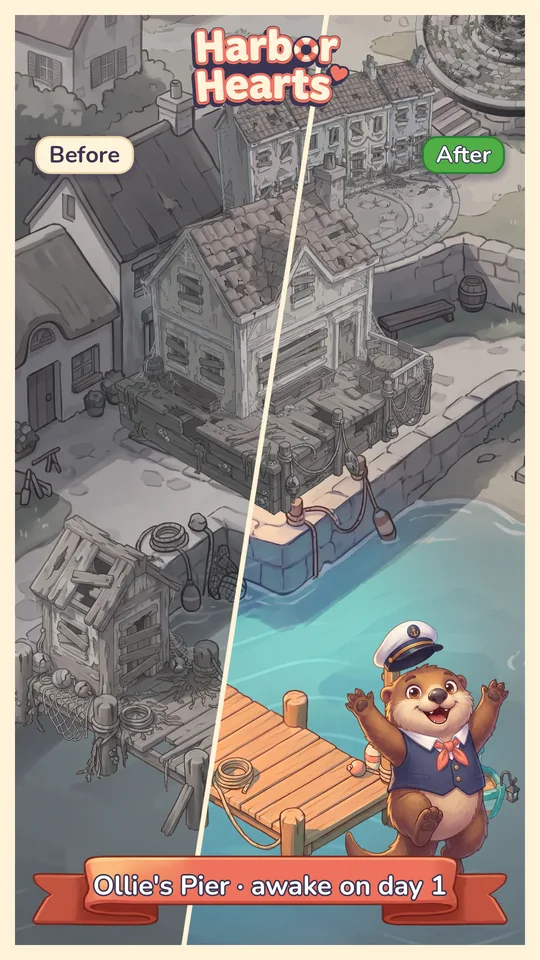
Drag across the picture: the same corner of Heartwell Wharf on the first day, and after the last Heart Lantern is lit. Ollie’s Pier, Pip’s Café, Gus’s Fish Market, Pearl’s Boathouse, Lantern Lane and Harbor Square: six places, each one waking up in a wave of colour.

A before-and-after postcard of Ollie’s Pier: the left half grey and broken, the right half repaired and sunny, with the caption ‘Ollie’s Pier · awake on day 1’
Every place you wake up becomes a before-and-after postcard. Collect them in your album or share them with friends. There are no rewards for sharing, and the game never nags you to.
Before: the harbor grey, with broken piers and boarded-up housesAfter: the same harbor in colour, with a café, lanterns and flowers
Screens from the game in development.

Made for your phone.

  • Plays offlineNo connection needed to play. No account, no sign-in.
  • One-handedPortrait, short sessions, everything within reach of your thumb.
  • Gentle remindersOnly if you say yes: at most one a day, never between 9 pm and 9 am.
  • Your wayMusic, sound, vibration, hints and motion each have their own switch.

Help and contact

Need a hand?

Questions, a bug or an idea? Email us at petter@kawisoftware.com. Tell us your device, the game version (at the bottom of Settings) and what happened. Please do not send passwords or other private information.

Published by KAWI Software AS, Norway.

When can I play?

Soon. Harbor Hearts is coming to the App Store and Google Play. As soon as you can pre-order or pre-register, the store buttons appear on this page.

Can I play without an internet connection?

Yes. The whole game plays offline. When you are online, it checks now and then for updated game settings, and it sends play statistics only if you said yes to sharing them.

Are there ads or in-app purchases?

Not in this version: there are no ads and nothing to buy. If a later version adds purchases, the store listing and the privacy policy will say so first.

Where is my progress saved?

On your device. There is no account and no cloud save, so deleting the game deletes your progress, unless your phone’s own backup keeps a copy.

Which devices and languages?

iPhone and iPad (iOS 15 or later), Android phones and tablets (Android 7.0 or later). The game is in 20 languages: English, German, French, Spanish, Portuguese (Brazil), Italian, Japanese, Korean, Dutch, Polish, Turkish, Russian, Swedish, Norwegian, Danish, Finnish, Chinese (Traditional), Indonesian, Thai, Ukrainian.

Does the game collect any data?

Only if you agree. A little while into your first session the game asks whether you want to share play statistics, with two equal buttons. Say no and nothing is sent. You can change your answer any time in Settings → Privacy → Share play statistics. The privacy policy lists exactly what is sent.

How do I delete my play statistics?

Open Settings → Privacy → Delete my statistics while you are online. It deletes the statistics sent from your phone and switches sharing off; your game stays as it is. More about deleting data.

Can I turn off notifications?

Yes. The game only sends reminders if you say yes when Captain Ollie asks, at most one a day and never between 9 pm and 9 am. Switch them off in Settings → Notifications or in your phone’s settings.